
Facetion by Motion Native
Every facet of your vision, compared.
An AI creative harness for stage, VJ, 3D and design. Run several AI models on the same brief, compare their real Blender renders side by side, and keep the one that shines.
Early access. Runs locally with your own AI provider.
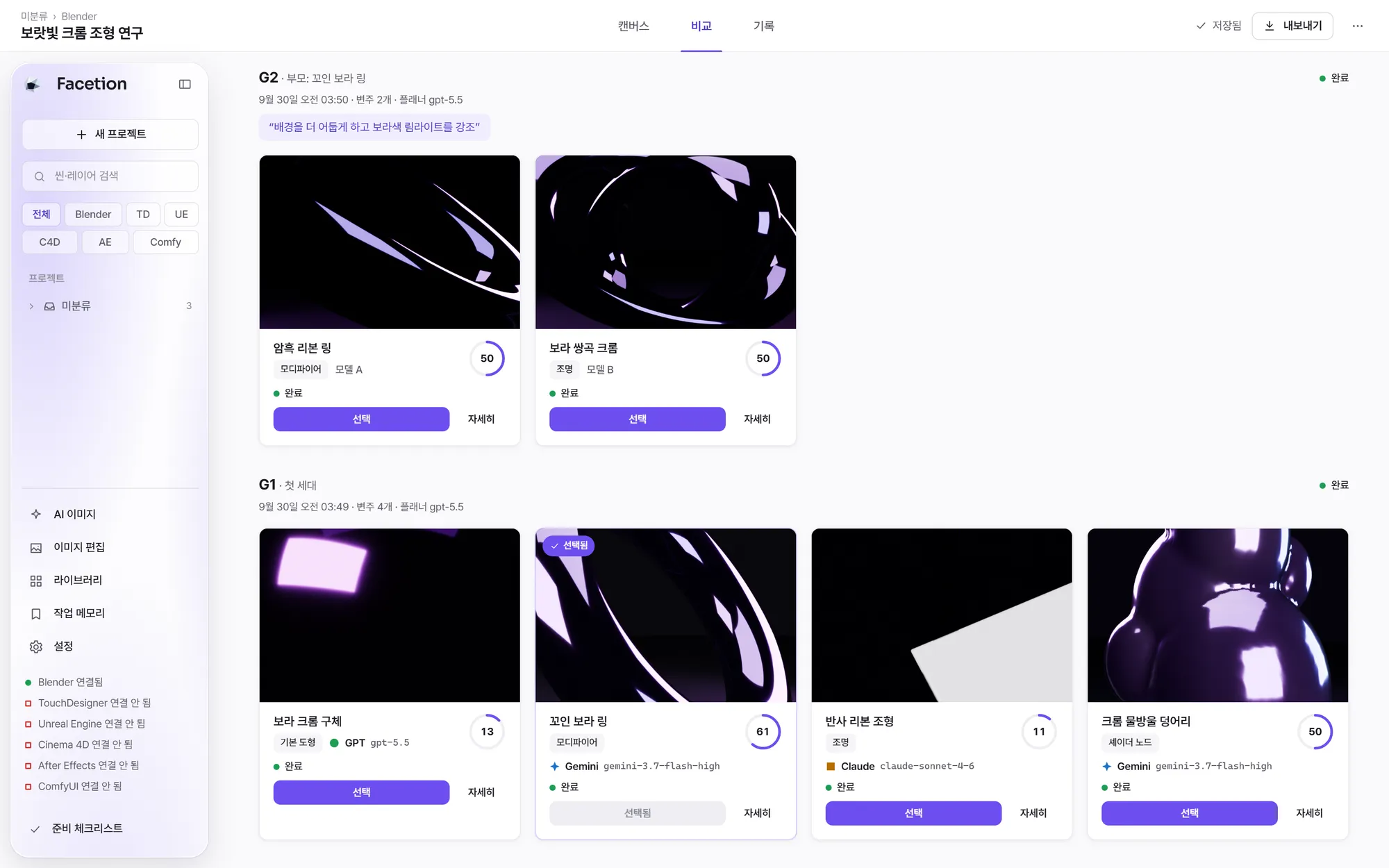
Real screenshot of the current build with its Korean interface. Four Blender renders from three model families, scored and ready to pick.
01 Why Facetion
One prompt, one model, one guess is not a creative process.
Visual work is about choosing. Most AI tools give you a single answer from a single model, in a single program, and forget why you liked it.
Without it
- You re-run prompts by hand and juggle the results across windows.
- Image models give you pictures, while your show needs scenes you can open in Blender or Unreal.
- Good directions get lost, and nobody remembers which model was good at what.
With Facetion
- Several models attack the same brief and their real renders land in one grid.
- Results come from real program runs, so the scenes and render files are yours to keep.
- Every pick is kept as lineage, playbook memory and per-model Elo for next time.
02 Six facets, one light
Turn the crystal. Every facet does real work.
- 01 · Node graph
Wire the whole job as nodes
References, briefs, image edits, Blender scenes, Unreal levels and media steps live on one canvas. Change a value and only the affected nodes run again.
- 02 · Arena compare
Several models, one grid
One round renders up to six variations side by side. Turn on blind comparison and the model names stay hidden until you pick.
- 03 · Blender
Real renders, real files
Generated Blender code runs in a separate process. Results come back as renders, and 3D batches can save GLB and editable .blend files.
- 04 · Unreal Engine
Levels, lights, sequences
Build levels, actor grids, materials, three-point lighting and camera sequences, then render with Movie Render Queue through Unreal MCP.
- 05 · TouchDesigner
Networks for live visuals
Arena rounds can build TouchDesigner networks and capture the output through the TDMCP bridge.
- 06 · ima2 images
Concepts and edits
Generate concept images with references, edit them by instruction or painted mask, and bring the results in as assets.
03 How it works
From reference to final frame, in five stages.
Each stage runs inside the same workspace. Use the ones your job needs, in the order it needs them.
- 01Reference
Start from what you already have
Drop in reference images, or pull CC0 textures, HDRIs and openly licensed reference images with their attribution attached.
- 02Concept
Sketch directions with AI images
Generate concept images with ima2 using your references, then refine them by instruction or with a painted mask.
- 033D scene
Turn the brief into a scene
Planner models write Blender code for each variation. Typed 3D nodes handle primitives, scatter, materials, cameras and lights.
- 04Render
Compare real renders, then pick
Each variation is rendered for real. A vision judge scores intent, fidelity, craft and technique, and you make the final pick.
- 05Edit
Finish with local image nodes
Crop, colour-correct, mask, composite and filter on your own machine, with fast previews and no model calls.
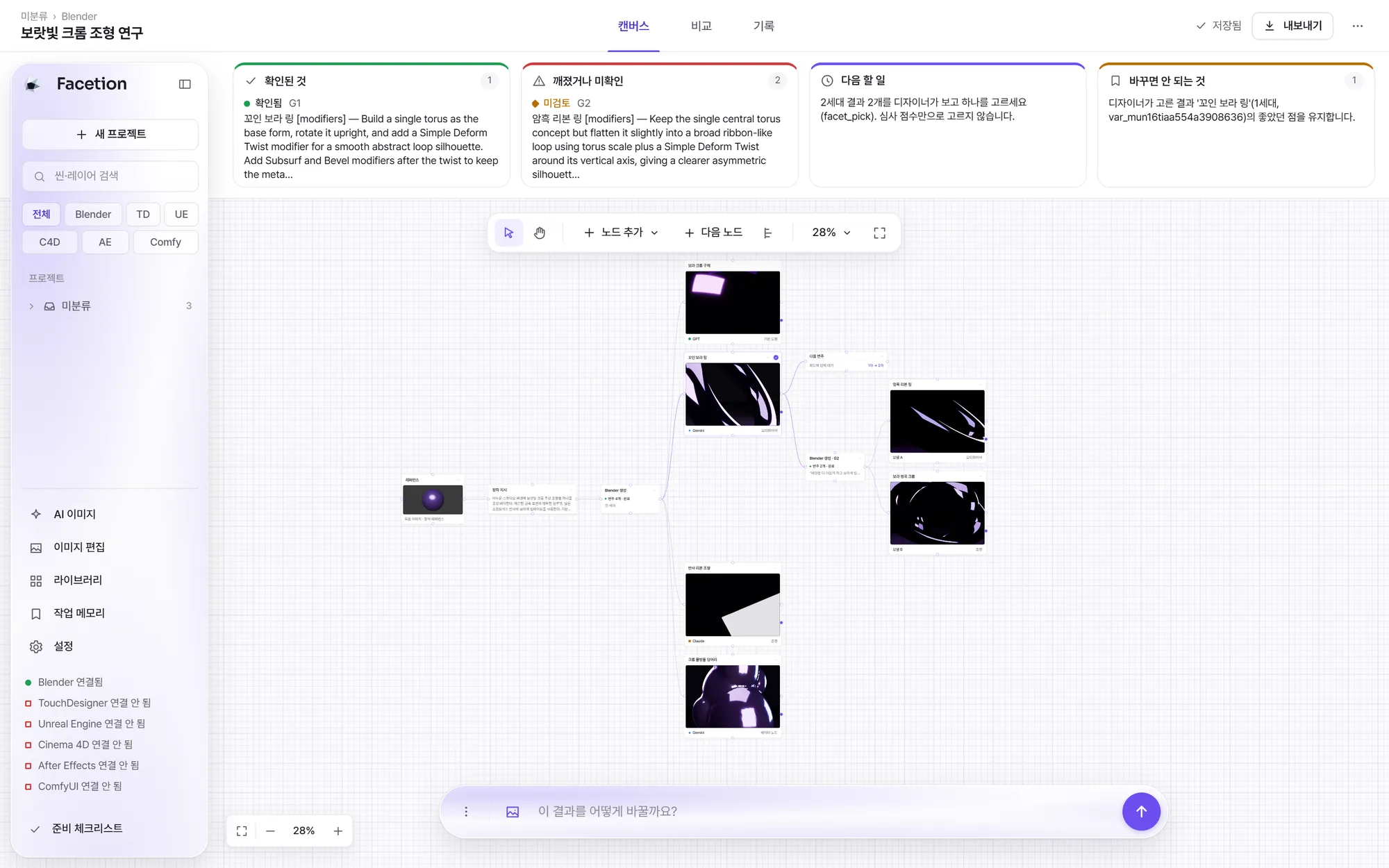
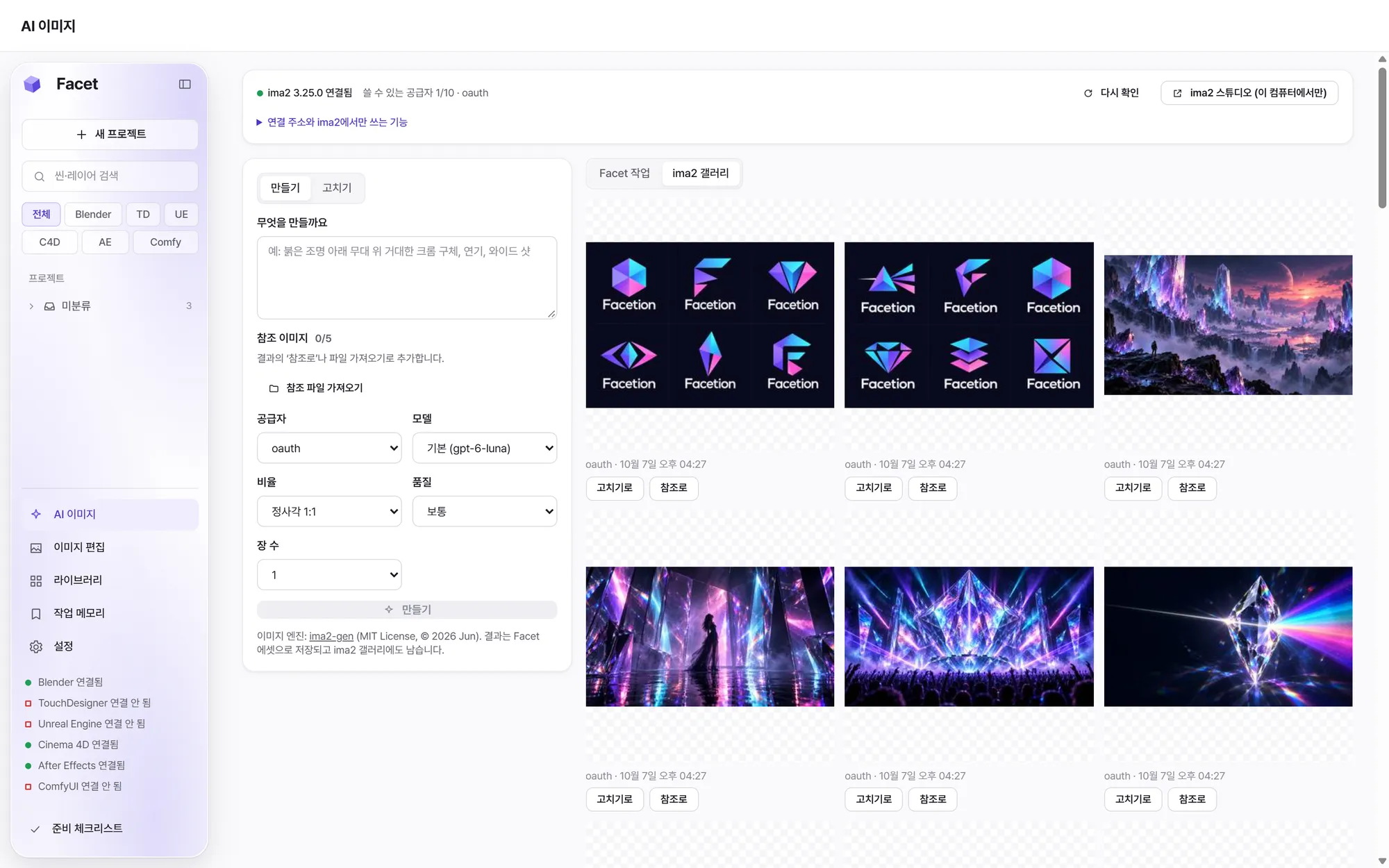
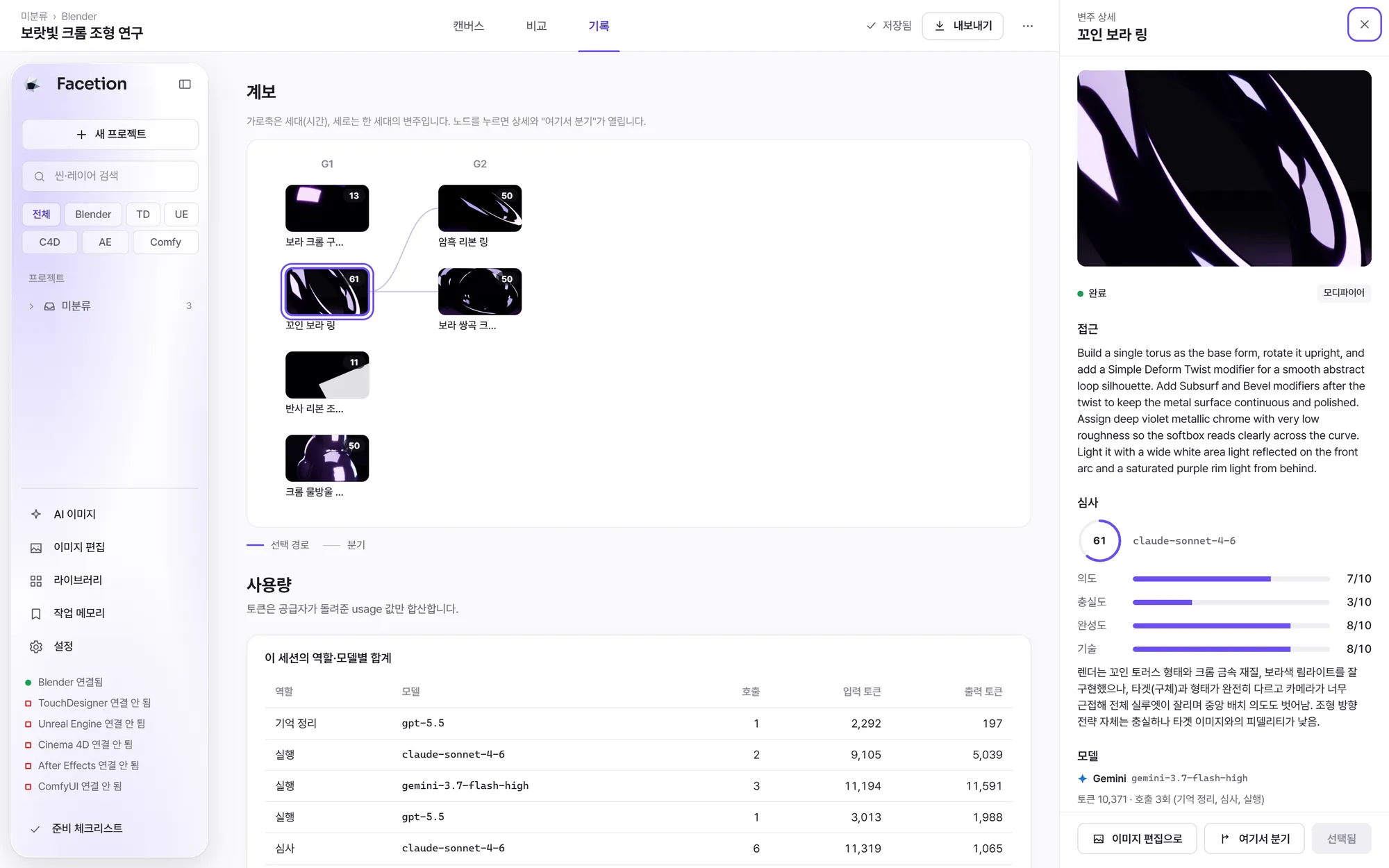
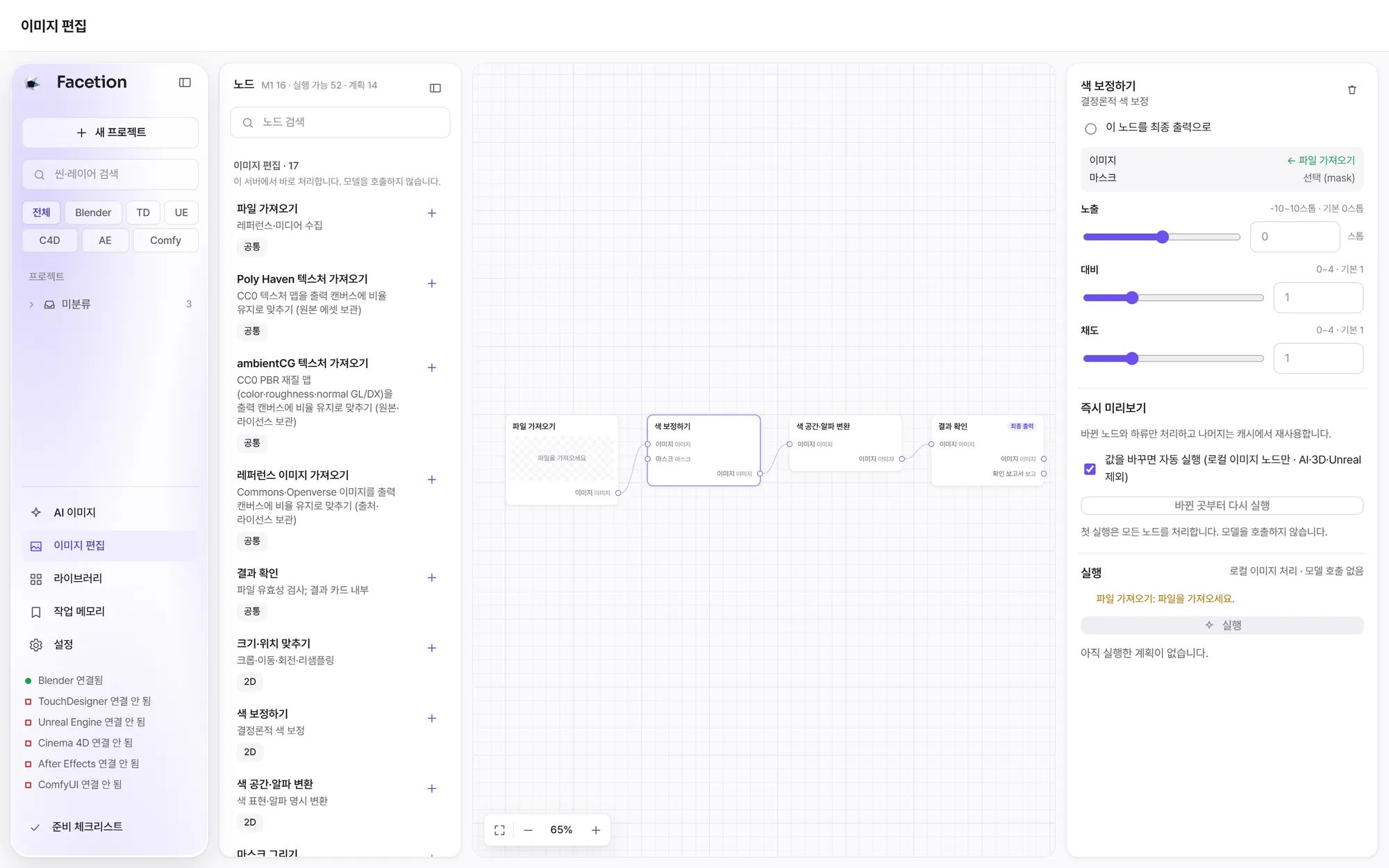
Real screenshots of the current build.
04 The arena
Four models fan out. You pick the facet that shines.
These four renders come from one real round. A vision judge scored each one from 0 to 100, but the decision stays with the designer. The pick updates that program's ratings and becomes the parent of the next generation.

 Picked
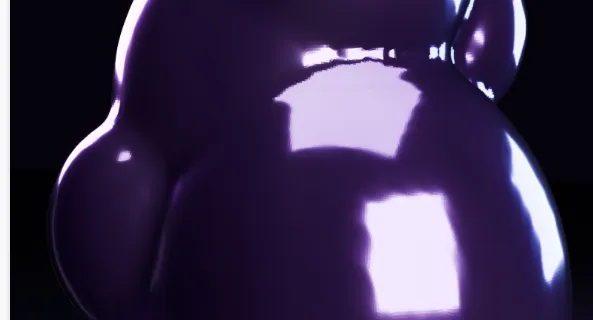
Cropped from a real arena round (G1, Blender). The designer's pick is highlighted.
05 Features
Built for people who choose for a living.
Everything below is in the current build unless it says Coming soon.
- Available
Visual node workspace
Search the palette, add nodes, wire ports, edit numbers and colours, run, and pick results, all on one canvas.
- Available
Arena rounds
Four variations by default, one to six allowed. A failed variation does not sink the ones that succeeded.
- Available
Lineage and branching
Every generation keeps its parent. Continue from any finished result, including one you did not pick.
- Available
Creative memory
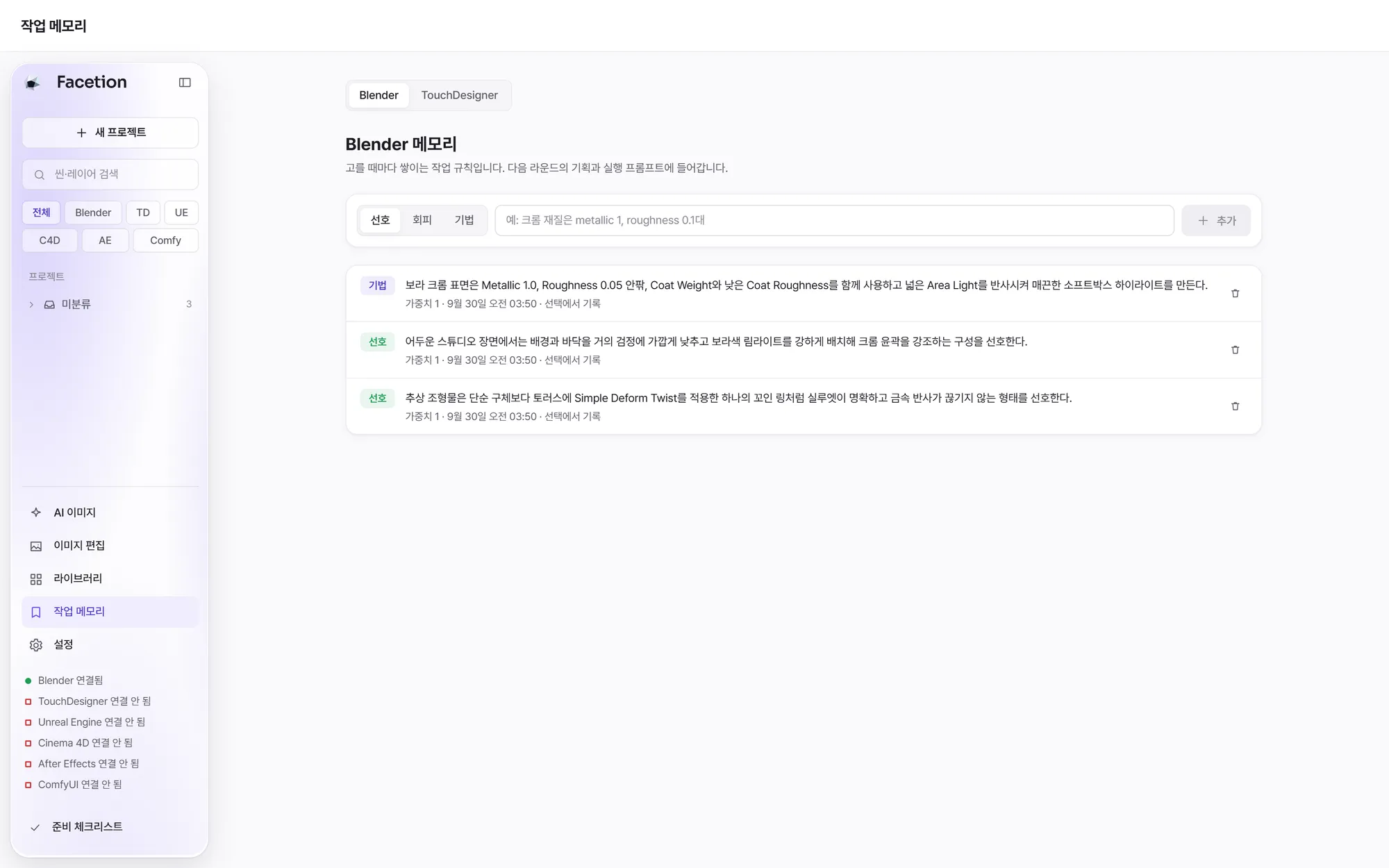
Your picks build a per-program playbook and per-model Elo that inform the next round. It is recorded memory, not model training.
- Available
Local image editing
Transform, colour, masks, composite, background and blur or sharpen, with incremental reruns and PNG previews.
- Available
MCP for agents
External agents can create sessions, start rounds, wait, pick and fetch renders through the bundled MCP server.
- Available
Media nodes
Decode, trim, concatenate, retime and encode video, and edit, mix and analyse audio with ffmpeg.
- Coming soon
AI video, audio, depth and 3D generation
Segmentation, upscaling, depth, video, audio, stems and AI 3D shape nodes are on the roadmap.
Your taste, written down.
Each program keeps its own playbook of what you prefer, what to avoid and which techniques worked. Planning for the next round reads it, so the more you pick, the closer the first round lands.
Works with
- Blender 5.2Arena rounds, 3D batches, GLB and .blend outputVerified
- Unreal Engine 5.8Levels, materials, sequences, Movie Render QueueVerified
- ima2Image generation, instruction and mask editsVerified
- TouchDesignerArena networks via the TDMCP bridgeSupported
- Cinema 4DCloner renders with an editable .c4d fileSupported
- After EffectsFrame renders from a saved projectSupported
- ComfyUILocal image template runsSupported
- NotchBlock exportComing soon
Verified means a recorded field test with the real program passed. Supported means the integration is in the current build. Every integration needs the program, plugin or bridge installed and ready on your machine.
06 Use cases
From arena stages to brand films.
Made by a VJ and stage-visual studio for the jobs we do every week.
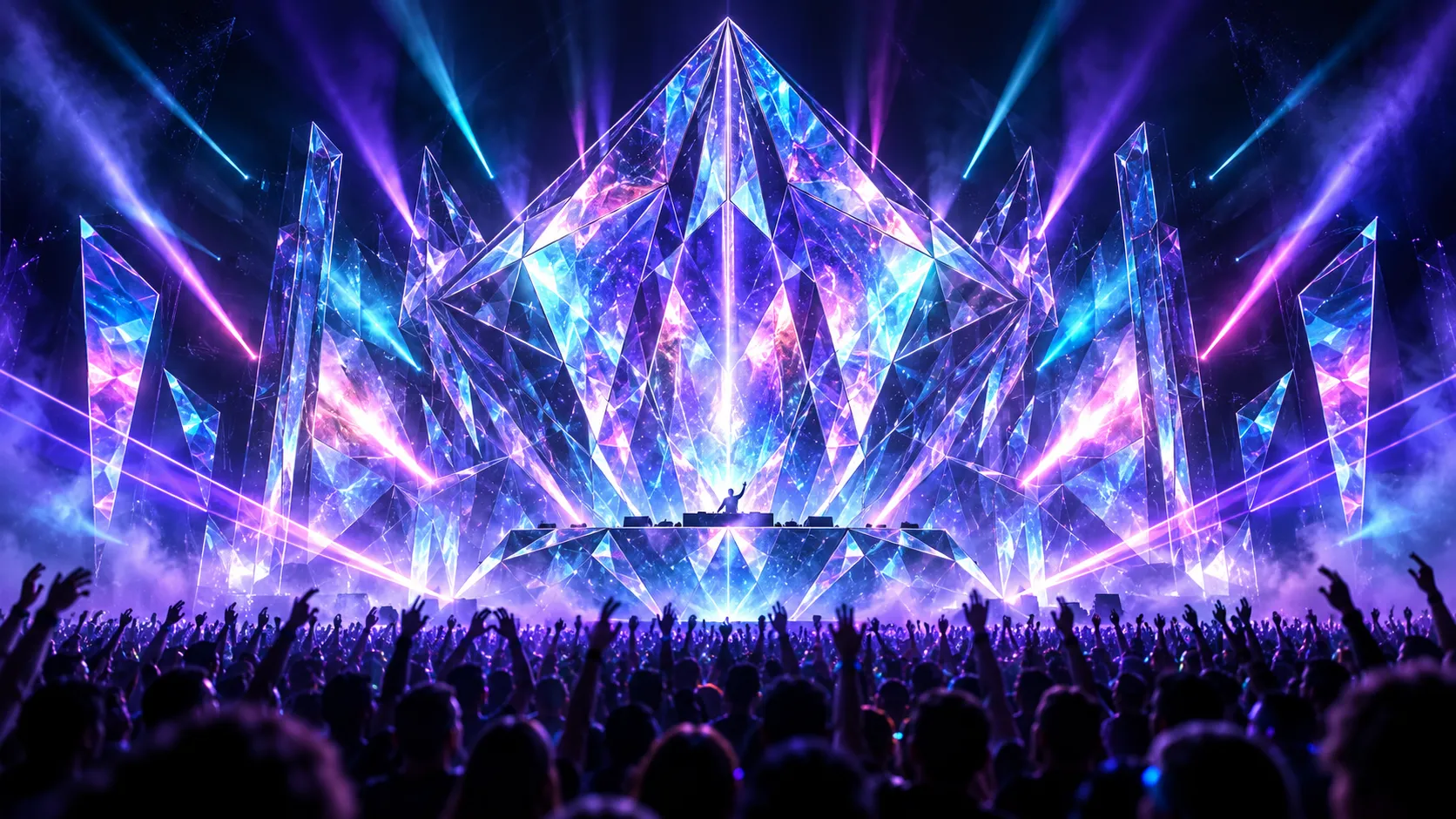
Concert and LED stages
Explore several looks for a show at once and keep the direction the room will feel.
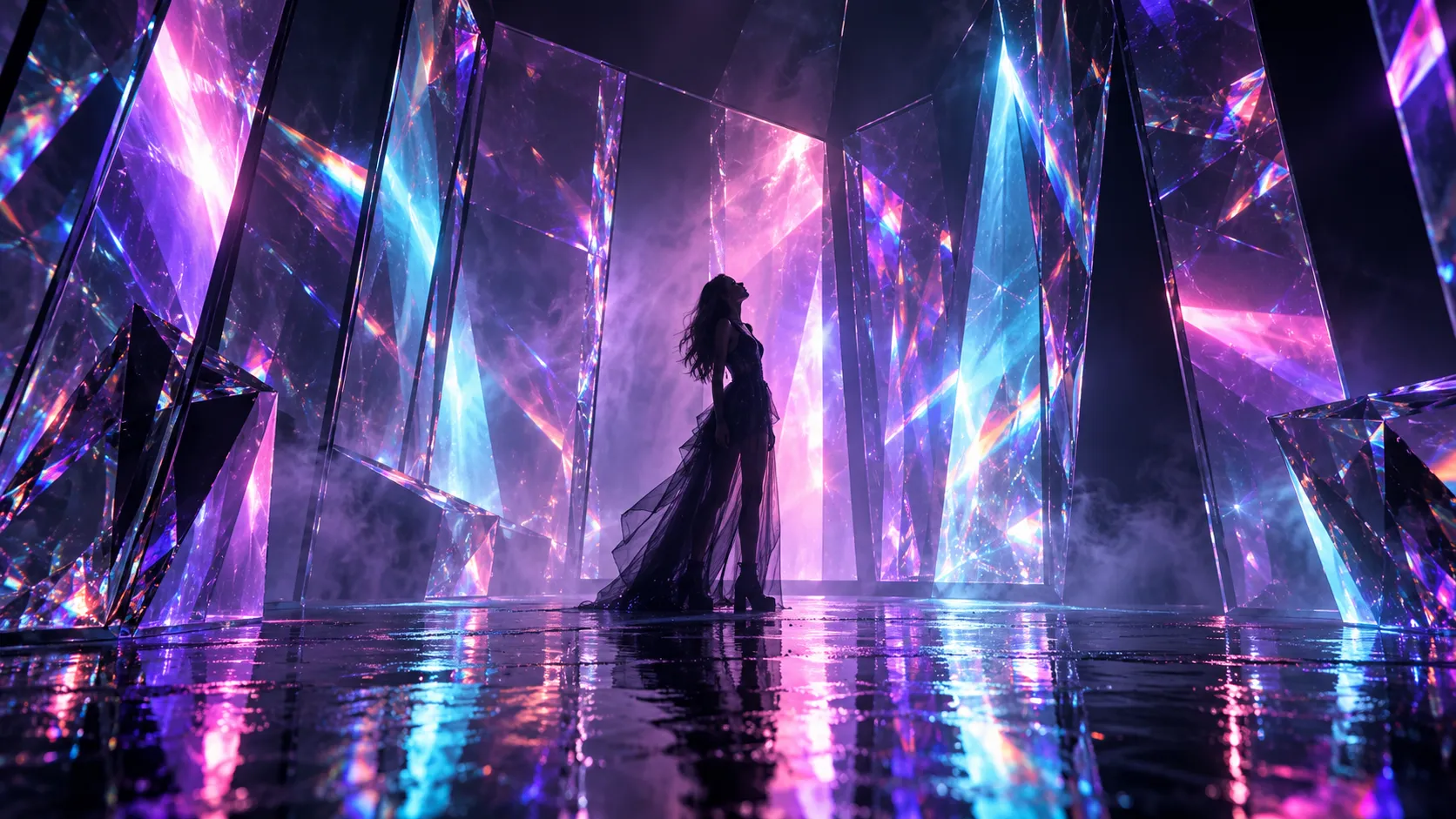
Music videos
Branch a visual idea in several directions, compare the renders and keep the history of every choice.
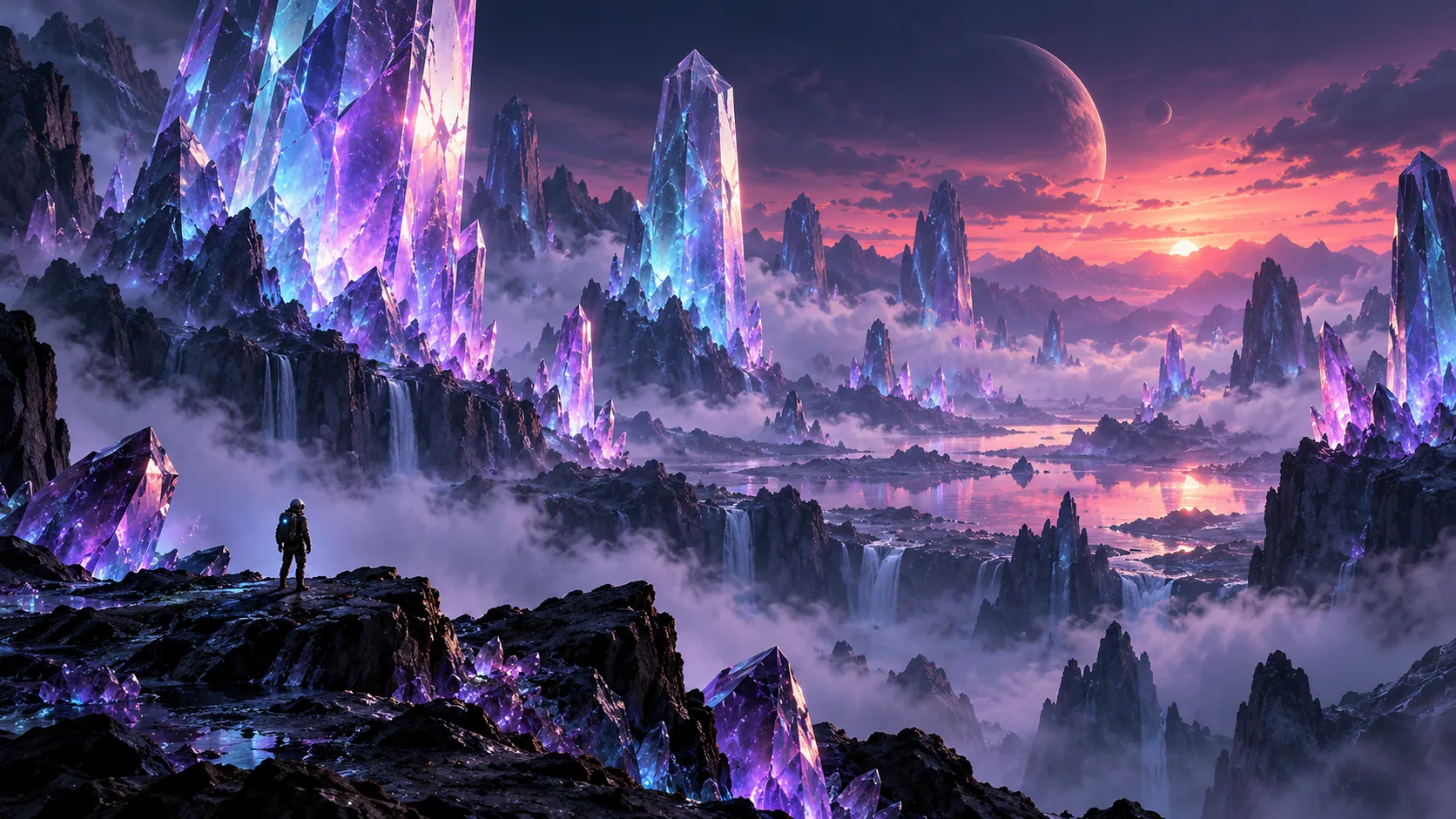
Game and environment concepts
Go from reference boards to Blender or Unreal scenes and look at real renders, not only sketches.

Advertising and brand visuals
Put model outputs side by side for a client review and finish the frames with local image nodes.
Illustrative images generated with ima2. They are not Facetion output.
07 Getting started
Your first round in five steps.
Early-access builds run locally from source. You need Bun 1.4, Blender 5.2 and an OpenAI-compatible AI provider. Read the quick start
- 1
Install
In the app folder, run
bun install --frozen-lockfile. - 2
Start
Run
bun run startand open127.0.0.1:5178. - 3
Connect
In Settings, add your provider URL and API key, and point to Blender.
- 4
Brief
Create a Blender session with a goal sentence and an optional reference image.
- 5
Pick
Run the round, compare the renders, pick one, then continue or branch.
08 Pricing
Early access, by invitation.
Plans and prices have not been announced yet. Tell us about your studio and we will get you set up.
Trial
Try Facetion on your own projects.
Early accessPro
For individual artists working in production.
Early accessStudio
For teams and studios with several seats.
Contact us
09 FAQ
Questions, answered straight.
What is Facetion?
Facetion is an AI creative harness by Motion Native for stage, VJ, 3D and design work. You describe a goal, compare real program renders from several models, pick a direction and keep going, with the history and your preferences recorded.
Do I need my own AI account or API key?
Yes. Facetion connects to an OpenAI-compatible provider that you configure, using your own key. ima2 image providers are set up separately in ima2. No model usage is included.
Which models have been verified?
Real verification runs passed with GPT 5.5, Gemini 3.7 Flash High and Claude Sonnet 4.6. What you can use depends on your provider.
Which creative programs work with it?
Blender and TouchDesigner run arena rounds. Unreal Engine, Cinema 4D, After Effects and ComfyUI have their own node paths. Each one needs the program, bridge or plugin installed and ready on your machine.
Are the results real 3D scenes or just pictures?
Both, depending on the path. Blender 3D batches produce renders plus GLB and .blend files, and Unreal runs change the actual level and render real frames. Plain arena results are renders with the code that made them. Direct AI text-to-3D generation is coming later.
What happens when I pick a result?
The pick updates that program's model and strategy ratings and adds an entry to your work memory. The picked result, or any other finished one, can become the parent of the next generation.
Can I edit images without AI?
Yes. Local nodes handle transforms, colour, masks, compositing, backgrounds and filters on your computer, with no model calls.
Is it hosted, and is there an installer?
Not yet. Today Facetion runs locally from a source checkout with Bun and Blender, and serves its interface on your own machine. AI calls still go to the provider you configure. A packaged desktop app is planned.
How much does it cost?
Pricing has not been announced. Facetion is in early access, so get in touch to join. Your AI provider may bill you separately for model calls.
Early access
Bring your next show into the arena.
We are opening Facetion to a small group of stage, VJ and 3D studios first.